OpenAI introduces PIN-locked chats for ChatGPT users
The new feature allows users to hide specific conversations from standard search and history using a four-digit code or biometric authentication.
By Ella Cox ·
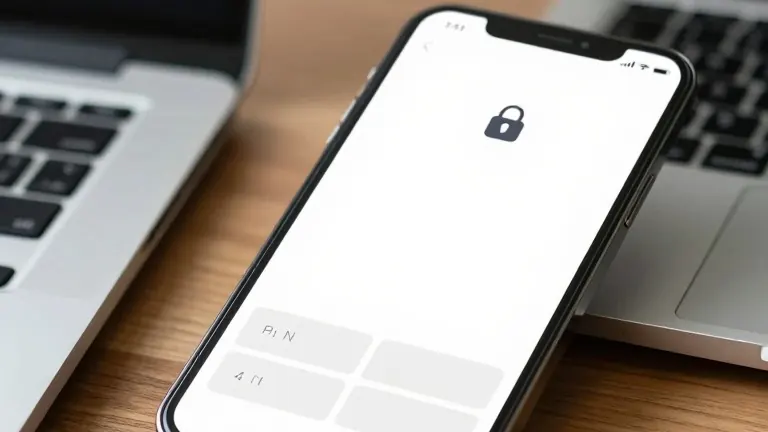
OpenAI has released a new privacy feature for ChatGPT that allows users to secure individual conversations with a four-digit PIN or biometric authentication.
The company introduced Locked Chats on November 2, 2026, to give users more control over their private data. The feature is currently rolling out to users of the Free, Go, Plus, Pro, Business, Enterprise, and Edu plans. It is not available for the ChatGPT for Healthcare version.
Users can now protect selected conversations without deleting them. When a chat is locked, it moves to a separate area located under Projects and Locked chats. The conversation disappears from the regular chat history, pinned chats, and standard search results. The title and contents remain hidden until the user enters the PIN or uses a supported device unlock method. Users can continue the conversation later without moving it back into their regular history.
For users who already organize work with ChatGPT Projects, locking a conversation removes it from its original project. The conversation loses access to that project's specific instructions, files, and memory. If the user unlocks the chat later, it returns to the regular history rather than its previous project.
The setup process involves selecting Lock chat from the conversation's three-dot menu. Users create a four-digit PIN the first time they use the feature. This PIN is linked to the OpenAI account and works across supported devices where the user is signed in. On compatible iPhones, users can enable Face ID or Touch ID in the Security and login settings. On Samsung Galaxy and Google Pixel devices, users can enable device unlock in the Projects menu. The setting for device unlock applies only to the specific phone where it is enabled.
Access to locked chats expires automatically after one minute of inactivity on mobile devices. On the web, access ends when the page refreshes or the tab closes. Users can also select Lock now to secure the session immediately. OpenAI noted that a conversation may remain visible in the browser tab immediately after locking. Another device with an active session might also display an older conversation title until it refreshes.
OpenAI stated that Locked Chats do not provide end-to-end encryption or create a separate encrypted vault. Locking a chat does not change how long the company retains information. The existing Improve the model for everyone setting remains unchanged. If ChatGPT remembered information before a chat was locked, that data remains in regular Memory. New information remembered from messages in a locked chat stays within the Locked Chats memory area. Regular chats do not automatically receive those new memories.
Users must delete shared links separately if they want to stop access to previously shared content. Locking a conversation does not revoke existing links. Files uploaded or created inside a locked conversation receive the same protection. However, files already stored elsewhere in ChatGPT Space or connected services keep their existing access permissions. For workplace accounts, existing organizational retention and compliance policies still apply. Enterprise and Edu conversation logs can include locked chats through compliance tools. Workspace administrators cannot unlock chats or reset PINs, but authorized compliance systems may access applicable data.
Users can return a locked conversation to their normal history by selecting Unlock chat in the three-dot menu. The conversation returns to the regular history and can appear in ordinary search results again. OpenAI is releasing the feature gradually, so some accounts may not see the option immediately. Some conversation types also cannot be locked.
Source: Fox News